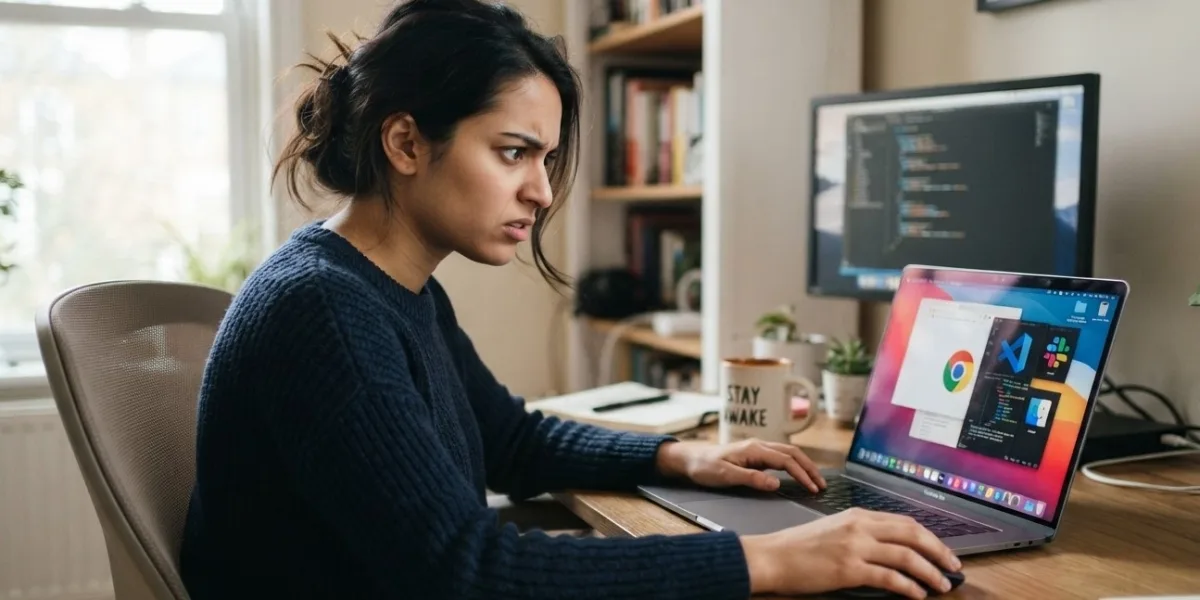
A laptop that suddenly freezes during everyday use can be frustrating, especially when there is no obvious warning. The screen may stop responding, the mouse cursor may become stuck, or applications may refuse to open or close. Random freezing can result from several factors, including insufficient memory, overheating, storage problems, outdated drivers, hardware deterioration, or unstable internal connections. If freezing happens repeatedly, professional diagnosis can help identify the actual cause instead of relying on guesswork. iPC Repair Houston can assist with identifying laptop hardware problems, while laptop screen repair Houston services can help when freezing occurs alongside display abnormalities. For users experiencing screen-related symptoms, screen repair Houston TX services can also help determine whether the issue originates from the display or another internal component.
Table of Contents
- Why Do Laptops Freeze Randomly?
- Insufficient RAM and Heavy Workloads
- Overheating and Poor Airflow
- Storage Drive Problems
- Outdated or Unstable Drivers
- Aging Hardware and Internal Connections
- Display-Related Freezing Problems
- Signs That a Hardware Problem May Be Responsible
- How Professional Diagnostics Can Help
- Preventing Random Laptop Freezes
- Final Thoughts
- FAQs
Why Do Laptops Freeze Randomly?
Laptop freezing occurs when the operating system or hardware temporarily stops responding to commands. Sometimes the problem is caused by software, while other cases involve physical hardware.
A laptop may freeze when a component becomes overloaded or fails to respond correctly. The problem may happen while browsing the internet, watching videos, opening applications, transferring files, or performing more demanding tasks.
If the freezing occurs only occasionally, identifying the cause can be difficult. However, repeated freezing should not be ignored because it may indicate an underlying problem that is gradually becoming worse.
Insufficient RAM and Heavy Workloads
Random freezing can occur when a laptop does not have enough available memory for the tasks being performed. Running numerous browser tabs, video applications, editing programs, and other resource-intensive software can consume significant amounts of RAM.
When available memory becomes limited, the system may become noticeably slower and may eventually stop responding temporarily.
Older laptops are particularly likely to experience this problem because modern applications can require more memory than they did when the device was originally purchased.
Reducing unnecessary background applications can help, but frequent freezing may indicate that the laptop needs additional memory or a deeper hardware evaluation.
Overheating and Poor Airflow
Heat is another common factor behind unstable laptop performance. Processors, graphics hardware, and other internal components generate heat during normal operation.
The cooling system is responsible for moving that heat away from sensitive components. If dust blocks ventilation openings or the cooling fan is struggling, temperatures may rise significantly.
A laptop experiencing excessive heat may slow itself down to protect its components. In more serious cases, the system can freeze, restart, or shut down unexpectedly.
If freezing becomes more frequent after several hours of use, overheating should be considered as a possible cause. Keeping vents clear and using the laptop on a hard, stable surface can improve airflow.
Storage Drive Problems
The storage drive contains the operating system, applications, and user files. If an SSD or hard drive begins developing faults, the laptop may experience unusual delays or freezes.
A storage-related freeze may happen when the system attempts to access a damaged or unstable area of the drive. Applications may stop responding, files may take unusually long to open, or the operating system may become temporarily unresponsive.
Other warning signs can include unusually slow startup, missing files, application crashes, or repeated operating-system errors.
Important data should be backed up if storage problems are suspected, particularly when freezing is accompanied by other signs of drive failure.
Outdated or Unstable Drivers
Hardware drivers allow the operating system to communicate with components such as graphics hardware, wireless adapters, audio devices, and other peripherals.
A corrupted or incompatible driver can sometimes cause system instability. Graphics drivers are especially relevant when freezing occurs alongside display glitches, screen flickering, or sudden changes in visual output.
Updating drivers through reliable sources may resolve some software-related freezes. However, if the problem continues after software troubleshooting, hardware should also be considered.
Aging Hardware and Internal Connections
As laptops age, internal components and connections can gradually become less reliable. Repeated heating and cooling can place stress on solder joints, connectors, and other motherboard connections.
A loose or aging connection may work normally under one condition and become unstable under another. For example, a laptop might operate correctly while cool but freeze when internal temperatures increase.
Physical impacts can also affect internal connections. A laptop that has been dropped or exposed to pressure may develop intermittent hardware problems even when there is little visible exterior damage.
These issues can be difficult to identify without proper inspection.
Display-Related Freezing Problems
Sometimes a laptop appears to freeze when the actual problem involves the display system. A defective screen, loose display cable, graphics component, or motherboard connection can cause the image to become stuck or disappear.
If the computer continues responding to keyboard commands or produces normal sounds while the display appears frozen, the issue may be related to the display rather than the entire system.
Professional laptop screen repair Houston services can help determine whether a display panel, cable, connector, or internal circuit is responsible. For users searching for screen repair Houston TX, proper diagnosis can prevent unnecessary replacement of a working screen when another component is actually causing the problem.
Signs That a Hardware Problem May Be Responsible
Certain patterns can provide clues that freezing is hardware-related. These include:
- Freezing becomes more frequent over time
- The laptop freezes when it gets hot
- The system freezes during demanding tasks
- Freezing occurs after physical movement
- The laptop freezes during startup
- Random restarts happen after freezing
- Display problems occur at the same time
- Storage or memory errors appear
- The laptop makes unusual sounds
None of these signs proves that a particular component has failed, but they can help a technician narrow down the possibilities.
How Professional Diagnostics Can Help
Random freezing can have several overlapping causes. A professional technician can evaluate memory, storage health, temperatures, cooling components, internal connections, power systems, and other hardware.
Proper diagnostics are particularly useful when the problem is intermittent. Instead of replacing components unnecessarily, testing can help identify where the instability originates.
iPC Repair Houston can help users investigate recurring laptop freezes and determine whether repair, maintenance, component replacement, or additional testing is appropriate.
Preventing Random Laptop Freezes
Regular maintenance can reduce the likelihood of performance instability. Keep ventilation openings clear and avoid using a laptop on surfaces that restrict airflow.
Close unnecessary applications when they are not needed, maintain sufficient free storage space, and keep important files backed up.
Avoid physical impacts and handle the laptop carefully when transporting it. If freezing starts happening regularly, address the problem early rather than continuing to use the device until it stops functioning completely.
Final Thoughts
A laptop can freeze randomly during everyday use for many reasons, ranging from insufficient memory and overheating to storage problems, driver issues, aging hardware, and unstable internal connections. Understanding the pattern of the freezing can provide valuable clues about its underlying cause. If your laptop repeatedly becomes unresponsive, iPC Repair Houston can help diagnose whether the problem is related to hardware or another system component. When freezing occurs alongside flickering, distorted images, or other display problems, laptop screen repair Houston services can help determine whether the screen or its connections are involved, while screen repair Houston TX services can provide professional assistance for display-related hardware concerns.
Taking repeated freezes seriously can help prevent a small issue from developing into a more significant failure. Proper cooling, careful handling, regular maintenance, data backups, and timely professional diagnostics can all contribute to more reliable laptop operation.
FAQs
Why does my laptop freeze randomly but then work normally again?
Temporary freezing can be caused by memory pressure, overheating, software conflicts, storage problems, or intermittent hardware connections. If it happens regularly, further diagnosis is recommended.
Can overheating make a laptop freeze?
Yes. Excessive temperatures can cause performance throttling, instability, freezing, unexpected restarts, or shutdowns.
Can a failing SSD cause laptop freezing?
Yes. An unstable storage drive can cause delays, application freezes, operating-system errors, and other performance problems.
Can RAM cause random freezing?
Defective or insufficient RAM can contribute to system instability, particularly when the laptop is running multiple demanding applications.
When should I get my laptop checked?
If freezing becomes frequent, happens during startup, occurs alongside overheating or display problems, or is accompanied by unexpected restarts, professional diagnostics can help identify the cause.
Need Professional Laptop Repair?
If your laptop keeps freezing during normal use, professional hardware and system diagnostics can help identify the underlying problem. Contact iPC Repair Houston for assistance with laptop troubleshooting, hardware inspection, and repair.