Chateando Chateando
    #game #best #online #private #casino
    avancerad sökning
  • Logga in
  • Registrera

  • Nattläge
  • © 2026 Chateando
    Handla om • Kontakta oss • Integritetspolicy • Villkor • Hola VPN

    Välj Språk

  • Afrikaan
  • Albanian
  • Amharic
  • Arabic
  • Armenian
  • Azerbaijani
  • Basque
  • Belarusian
  • Bengali
  • Bosnian
  • Bulgarian
  • Catalan
  • Chinese
  • Croatian
  • Czech
  • Danish
  • Dutch
  • English
  • Estonian
  • French
  • Georgian
  • German
  • Greek
  • Haitian_creole
  • Hindi
  • Hungarian
  • Icelandic
  • Indonesian
  • Irish
  • Italian
  • Japanese
  • Kazakh
  • Korean
  • Kyrgyz
  • Latvian
  • Lithuanian
  • Luxembourgish
  • Macedonian
  • Malagasy
  • Malay
  • Maltese
  • Mongolian
  • Nepali
  • Pashto
  • Persian
  • Polish
  • Portuguese
  • Romanian
  • Russian
  • Serbian
  • Sinhala
  • Slovak
  • Slovenian
  • Somali
  • Spanish
  • Swahili
  • Swedish
  • Tajik
  • Tamil
  • Telugu
  • Thai
  • Turkish
  • Turkmen
  • Urdu
  • Uzbek
  • Vietnamese
  • Welsh
  • Xhosa
  • Yoruba
  • Zulu

Kolla på

Reels

evenemang

Bläddra bland evenemang Mina händelser

Blogg

Bläddra bland artiklar

Marknadsföra

Senaste produkterna

Sidor

Mina sidor Gillade sidor

Mer

Forum Utforska populära inlägg Spel Jobb
Reels evenemang Marknadsföra Blogg Mina sidor Se allt
migso_io
User Image
Dra för att flytta omslaget
migso_io

migso_io

@migso_io
  • Tidslinje
  • Grupper
  • Gillar
  • Följande 1
  • Följare 19
  • Foton
  • videoklipp
  • Reels
  • Produkter
1 Följande
19 Följare
4 inlägg
Kvinna
migso_io
migso_io
1 i ·Översätt

Clone Salesforce Dashboards
Are you tired of creating Salesforce Dashboards again & again? Ease things up with migSO’s new Clone Salesforce Dashboard feature. This functionality enables admins to migrate existing Salesforce dashboards between their orgs along with the same widgets and layouts.
migSO and Clone Salesforce Dashboards
Here are some more reasons to choose migSO to mass clone Dashboards in Salesforce-
Quicker Clone Salesforce Dashboards
migSO enables you to clone dashboards in Salesforce across your orgs seamlessly, allowing you to create customized views and simplify the process of minor modifications. Cloning dashboards across orgs using migSO enables you to save time and mitigate the risk of errors.

Safe, Compliant, and Secure
migSO is a 100% native Salesforce app that only works on Salesforce metadata and does not account for your personal data. We prioritize data security and compliance, ensuring that Salesforce Dashboards are migrated according to best practices.

Maximize Productivity
Cloning Dashboards manually across your org carries the risk of errors, often leading to org inconsistencies. migSO eliminates the guesswork and presents a smarter way of bulk cloning Salesforce metadata items.

Save Your Time & Efforts
Time is essential, and migSO empowers you to save it by eliminating redundant tasks to clone metadata items across your orgs. migSO simplifies the Clone Salesforce Dashboards process and enables your team to shift its focus towards strategic initiatives.

User-Friendly Interface
migSO offers a smoother option to clone, export, or manage metadata items across Salesforce orgs. Our native Salesforce app features an intuitive interface, enabling you to manage and clone Salesforce dashboards seamlessly, regardless of your technical expertise in CRM.

Comprehensive Clone Reports
Once the operations are executed, migSO offers detailed reports containing useful insights like what particular Salesforce Dashboards were deployed and which ones were rejected, along with an explanation.

How to Clone Dashboards in Salesforce By using migSO
Using the Clone Dashboards in Salesforce feature of migSO is easy even for novices. Go through the detailed process below-

Step 01 : Select the metadata item as a dashboard.
Step 02 : Connect the source org.
Step 03 : Choose the required folder.
Step 04 : Select the specific dashboards you wish to clone.
Step 05 : Click on the Clone Dashboard button.

Morehttps://migso.io/salesforce-cl....one-metadata/bulk-cl

Clone Salesforce Dashboards | Bulk Clone Dashboards in Salesforce
Favicon 
migso.io

Clone Salesforce Dashboards | Bulk Clone Dashboards in Salesforce

Clone Salesforce Dashboards with migSO. Bulk clone dashboards in Salesforce, or clone mass Salesforce Dashboards easily using one native Salesforce app.
migso_io
migso_io
1 i ·Översätt

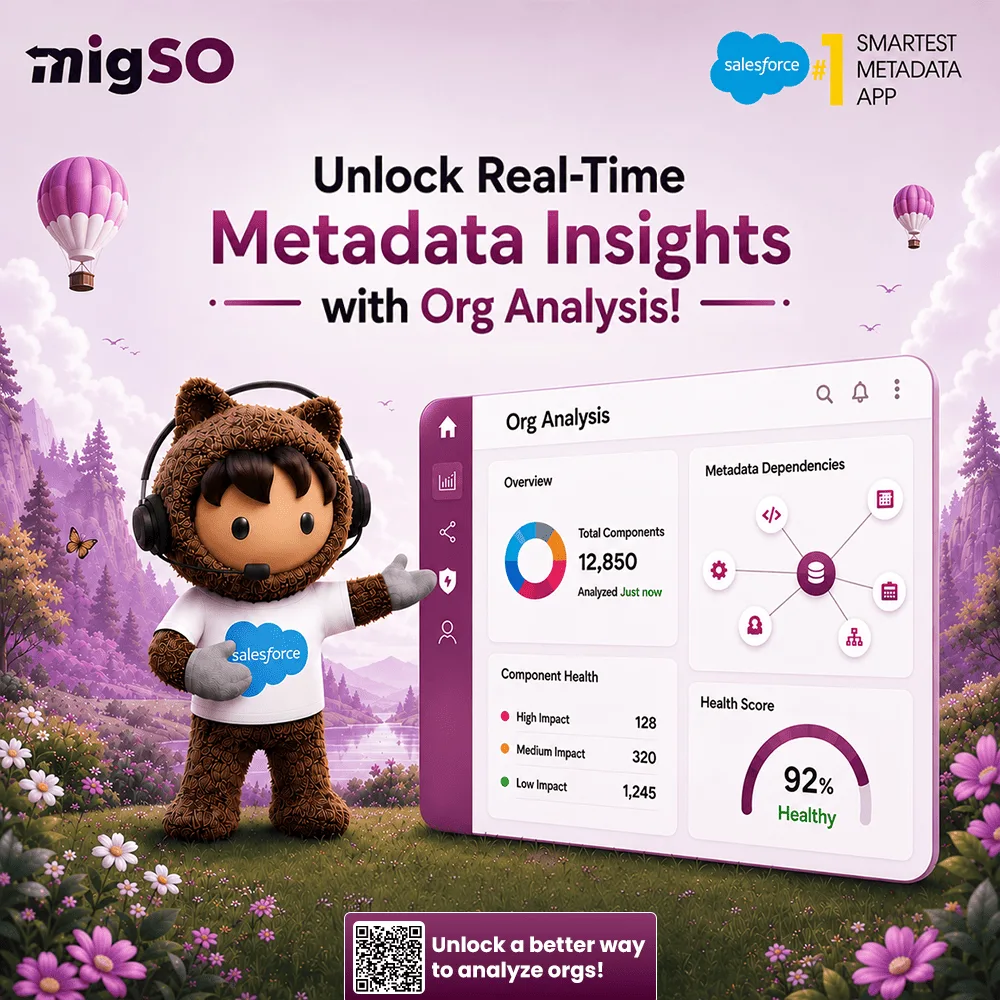
Smartest Metadata Migration App

A powerful Salesforce app that allows you to clone, export, compare, and manage Salesforce metadata operations in just few clicks. Start performing bulk field operations like a pro.

Built strictly on the guidelines of Salesforce, migSo helps you get more from your metadata. We help you migrate metadata from one Salesforce org to another quickly and efficiently in no time. With its true potential, you'll access a suite of powerful features to master your metadata operations.https://migso.io/

Salesforce Metadata Migration App | Migrate Metadata one org to Another
Favicon 
migso.io

Salesforce Metadata Migration App | Migrate Metadata one org to Another

migSO is a Salesforce Metadata Migration Application that helps you to migrate Metadata from one Salesforce org to another quickly. Book Now migSO!
migso_io
migso_io
3 i ·Översätt

How to Efficiently Clone Salesforce Permission Sets Across Your Orgs?
Permission sets are specialized metadata component that empowers admins to grant users additional access to tools and features beyond what their profiles allow. Admins often need to clone Permission Sets across orgs to ensure consistency. However, creating permission sets manually is both tedious and error-prone.

Even a slight delinquency in this matter can cause users to lose access to essential apps, fields, objects, and other components. So, is there a smarter way to manage permission sets? The answer is Yes, this is where you can explore the magical world of migSO! Before getting into the associated steps, let’s first discuss the problems with manually creating permission sets.

Common Challenges Admins Encounter During Manual Permission Set Cloning
Here are the problems admins generally face during manual permission cloning across orgs-

Time-consuming manual effort
Human errors & neglected permissions
Inconsistent access across orgs
Difficulty tracking dependencies
Risk of over-permissioning users
That’s why admins often demand an easy, time-saving option for cloning permission sets.

migSO- The Best Salesforce Permission Sets Cloning App
migSO, the #1 Salesforce metadata management app, empowers admins to skip manual permission set cloning, eliminating the risk of mismanagement and ensuring consistency across your orgs. It enables

Detailed Steps to Clone Permission Set Using migSO
The process of cloning Permission Sets is super easy with our app! All you need to do is follow the given steps after installing our package:

Step 01: Open migSO via App Launcher
Click “App Launcher,” then search for “migSO”.

Step 02: Select Clone Wizard
Step 03: Select the Metadata Item
Step 04: Select Source Org
Step 05: Choose Permission Set & Deploy
Step 06: Review Deployment Status
Step 07: Download Report
Woohoo! You have successfully deployed Permission Sets from one org to another.

Conclusion
Manually cloning permission sets is both time-consuming and error-prone for admins. migSO streamlines this process and saves admins time by empowering you to clone permission sets in bulk. It serves as a one-stop destination for all your metadata management needs.

Who Are We?
Tech9logy Creators is a Registered Salesforce Consulting and ISV Partner Company with over 12 years of experience. We have a certified team of developers with extensive knowledge of the Salesforce AppExchange and provide you with the best-in-class, personalized apps. Our dedicated Salesforce experts help you bring the best out of your CRM and ensure your business operates at its highest potential.
Contact us for more information.

Read More : https://migso.io/our-blog/feat....ures-benefits/how-to

How to Efficiently Clone Salesforce Permission Sets Across Your Orgs? - Migso
Favicon 
migso.io

How to Efficiently Clone Salesforce Permission Sets Across Your Orgs? - Migso

Permission sets are specialized metadata component that empowers admins to grant users additional access to tools and features beyond what their profiles allow. Admins often need to clone Permission Sets across orgs to ensure consistency. However, cr
migso_io
migso_io
4 i ·Översätt

Guide to Clone Salesforce Field Sets By Using migSO
Customizing your data model has become crucial in today’s dynamic Salesforce world. It ensures that your organization’s distinct processes are supported seamlessly.

Field Sets refer to a group of fields that can be used to customize which fields are displayed on a Visualforce page, Lightning component, Apex class, or a package without modifying the code. It offers a powerful way to manage and display fields in custom pages and components, providing flexibility and control to administrators and developers alike.

However, manually recreating Field Sets across multiple orgs is time-consuming and prone to errors. Enter migSO, a robust tool designed to simplify and streamline metadata management. In this guide, we’ll walk you through cloning Field Sets using migSO.

Detailed Steps to Clone Field Sets by Using migSO
Cloning Field Sets with migSO is easy! All you need to do is follow the given steps after installing our package:

Step 1. Open migSO via App Launcher
Step 2. Select Clone Wizard
Step 3. Select the Metadata Item
Step 4. Select Source Org and Source Object
Step 5. Select Target Object
Step 6. Choose Field Sets & Deploy
Step 7. Review Deployment Status
Step 8. Download Report
Woohoo! You have successfully deployed cloned Field Sets from one org to another.

Going through the Migration Wizard Logs

You can access the deployment history by moving to Migration Wizard Logs. You’ll find a list of all metadata (here field set) operations executed on your org with specified dates.

Clone salesforce field set
Click on the deployed field set here.

Clone salesforce field set
Here, you’ll get the details of the cloned metadata item.

Field set in salesforce
To download the deployment report in Excel format, go to the Related tab and click on the file.

Conclusion
migSO is a magnificent Salesforce app that lets you seamlessly manage metadata operations. It restricts the manual copying and pasting of fields on the targeted org. It facilitates hassle-free cloning, exporting, and managing metadata with easy-to-follow steps. We hope this comprehensive guide provides you with the detailed steps of cloning Salesforce Field Sets.

Who are We?
Tech9logy Creators is a Registered ISV Partner Company with over 10 years of experience. We have a certified team of developers with extensive knowledge about Salesforce AppExchange and provide you with the best-in-class personalized apps. Our dedicated Salesforce experts help you bring the best out of your CRM and ensure your business operates at its highest potential.

Read More:https://migso.io/our-blog/guid....e/guide-to-clone-sal

Ladda fler inlägg

Unfriend

Är du säker på att du vill bli vän?

Rapportera denna användare

Redigera erbjudande

Lägg till nivå


Välj en bild
Ta bort din nivå
Är du säker på att du vill ta bort den här nivån?

Recensioner

För att sälja ditt innehåll och dina inlägg, börja med att skapa några paket. Intäktsgenerering

Betala med plånbok

Betalningslarm

Du är på väg att köpa varorna, vill du fortsätta?

Begära återbetalning

Logga in

Logga gärna in för att gilla, undra, dela och kommentera!

Logga in Registrera